
Guide · Wildkamera Pro
How to set up a trail camera: 7 practical tips
Site, viewing angle, test images and checks before leaving a camera in place.
Read article →Wildkamera Pro brings together your camera inbox, images, AI-assisted recognition, locations and observations – on your phone and computer.
Your everyday tools
From incoming camera emails to photo recognition and maps, the main steps work together.
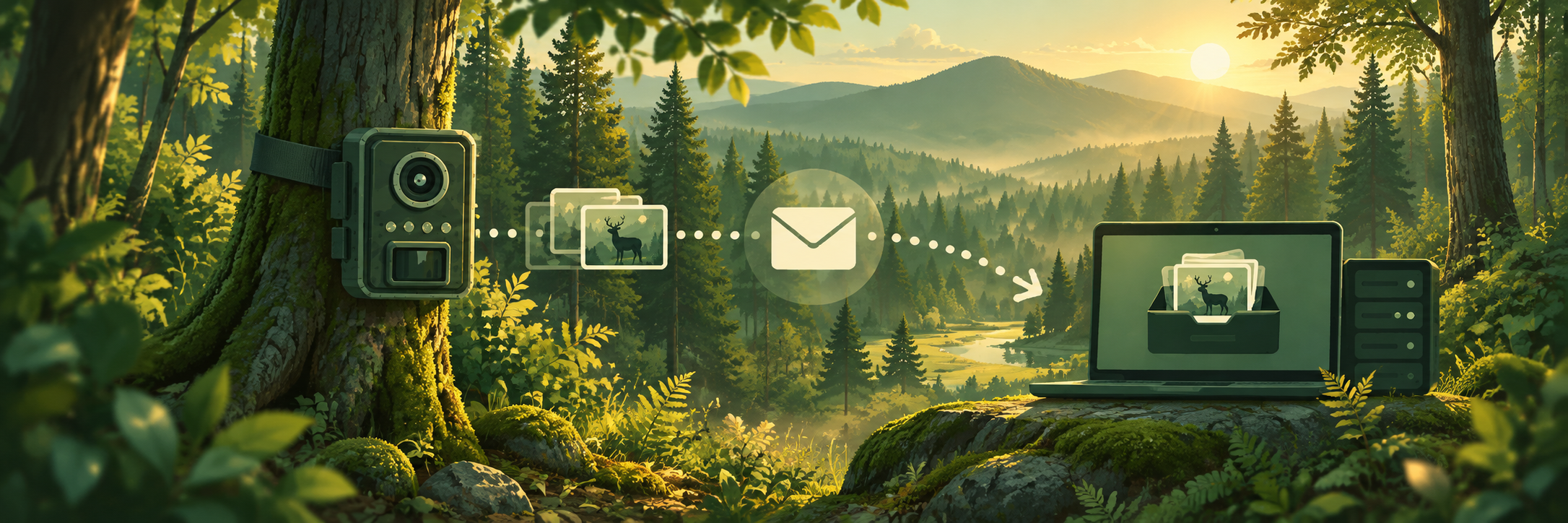
Connect cameras, collect photo emails and browse photos by camera and capture group. Automatic import can be configured individually.
Assist with wildlife species recognition and extracting dates, times or camera information from photos, where included in your plan.
Assign cameras to named sites and manage their GPS positions on a map, including multiple cameras at one location.
Organize and adjust wildlife observations by date, species and location.
Explore image frequency by species, site and time to better understand recorded activity.
Back up and export your photos and information. Large collections can use multi-part backups.
How it works
Spend less time searching across inboxes, devices and photo folders.
Create a receiving address for compatible cameras or upload images manually.
Browse camera groups, select images and use available OCR or AI tools.
Review wildlife observations, locations and image frequency in one place.
Less photo clutter
Designed to help you organize and make sense of trail camera photos.
Practical field guides
Practical advice for placing cameras and keeping photos organized.
Guide · Wildkamera Pro
Site, viewing angle, test images and checks before leaving a camera in place.
Read article →Guide · Wildkamera Pro
Use location names, timestamps and backups to make your collection useful.
Read article →Open Wildkamera Pro directly in your browser.